Wiki Creator App
The tool for creating websites and connected databases
Humanity.Wiki, formerly Wiki Creator, builds websites with connected databases like this one
Wiki Creator App, Light Humanity's tool for creating websites with connected databases and custom domains, is now called Humanity.Wiki. It has been built since August 2026 by Eugenio García-Calderón Huerta, who is not a programmer, with AI assistants, and it was used to make luzhumanidad.com and Wikiproducts.
- What it is: a web tool for creating pages, interlinked databases and complete websites, with a menu, search and a custom domain.
- Where: at humanity.wiki, with its code open to view on GitHub.
- With whom: it is built by Eugenio García-Calderón Huerta, founder of Light Humanity, with AI assistants that do not share memory between sessions, as the project's GitHub introduction explains.
- What it costs: creating an account is free and you start with points to use the AI and the Marketplace.
- Result: it was used to make this website, Wikiproducts and Humanity.
- What comes next: more people publishing their creations; for now, those shown on the home page are Eugenio's.
From a map of challenges to a website-building tool in three months
Humanity.Wiki was born on 1 August 2026, from an app built in Google AI Studio, to measure humanity's challenges by territory, according to its changelog. That platform is covered in Humanity.wiki; this page is about the tool that grew up with it.
- 5 August: Eugenio buys the humanity.wiki domain and the tool is renamed Wiki Creator, the name it will use until November.
- 8 August: the first block-based document editor arrives, “Notion-style”.
- Three months later: more than 2,300 changes to its code, all open to view on GitHub.
Since 30 September, everything is a page: folders and connected databases
On 30 September 2026 the tool changed shape, according to the changelog. Projects became folders that only hold pages, and every item in a database gained its own page, opened from a card gallery like Notion's.
- Relations: since 1 October, databases have been truly linked to one another; for example, each project to its area, such as Comunidad Solar Energy Retailer to Energy. Since the 5th, the link has been visible in both.
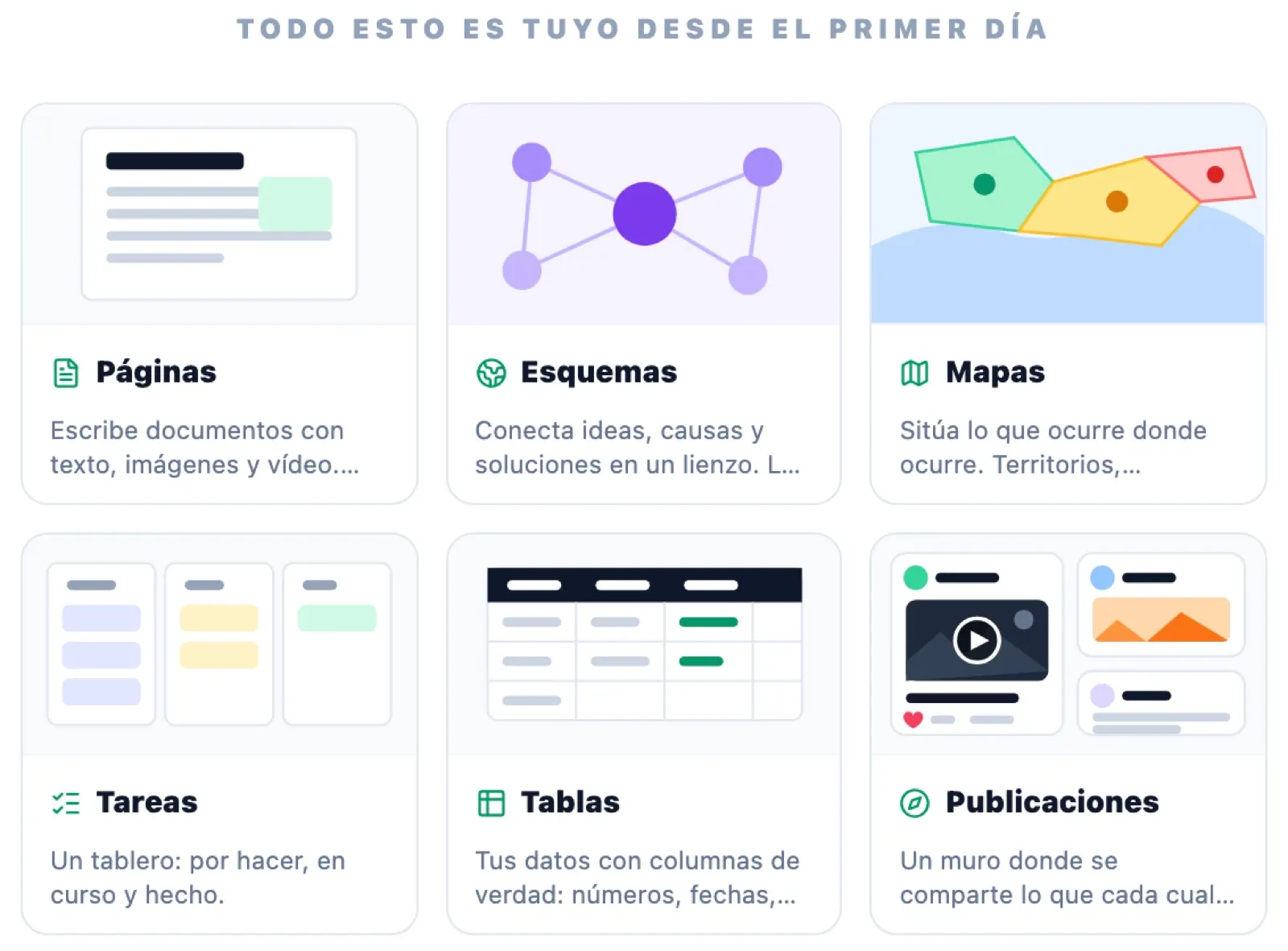
- Views: table, gallery, board, list, calendar, timeline, chart and form with a public link, with filters, sorting, groups, sub-items and dependencies.
- Shop: since 6 October, a database can be a catalogue with prices, variants, shipping, stock and a buy button.
Websites with custom domains: luzhumanidad.com was the first
That same 30 September, Eugenio asked for published pages to be real websites, without the platform's branding. This lab's website, luzhumanidad.com, was the first custom domain to be connected, according to the changelog.
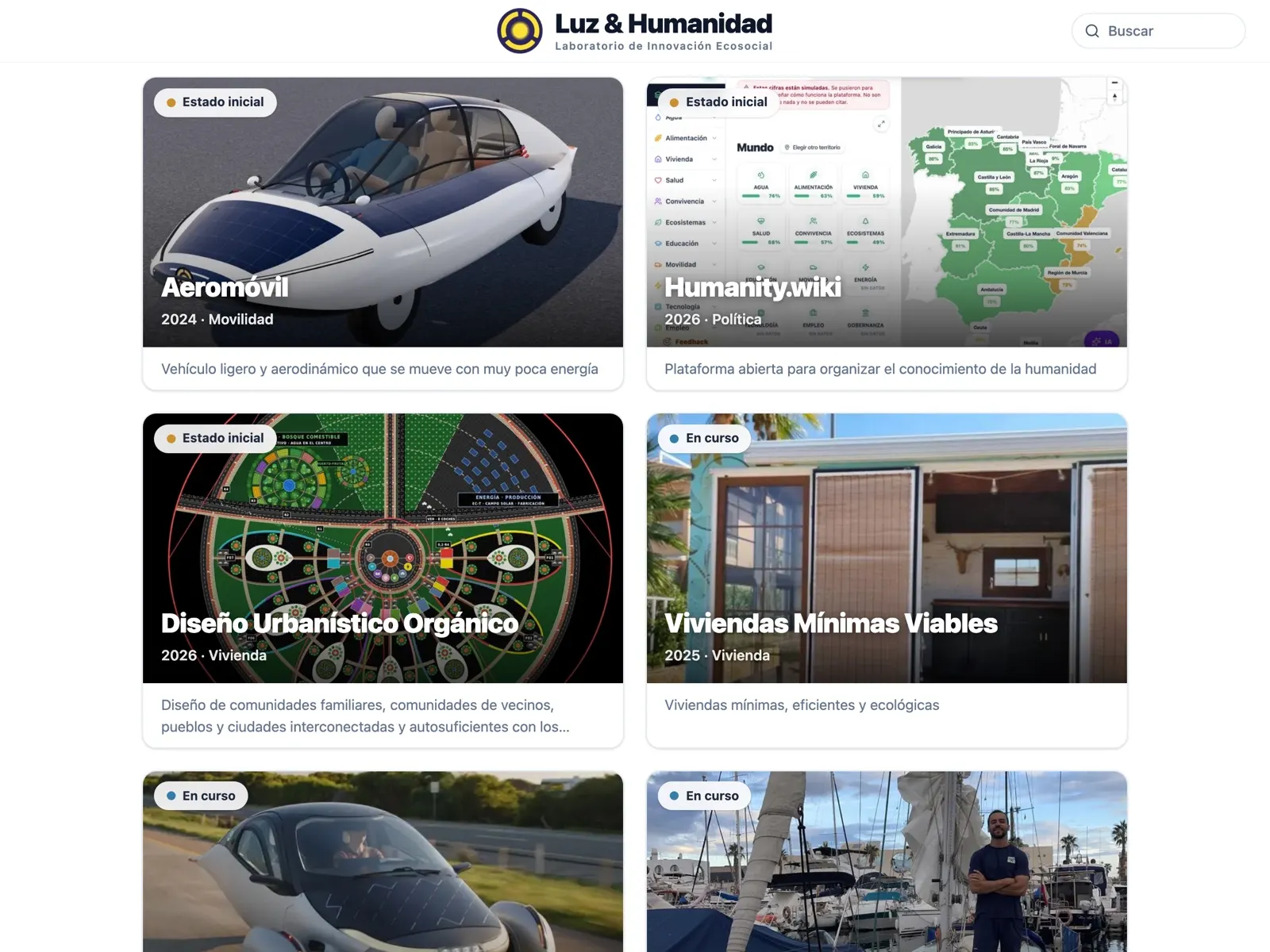
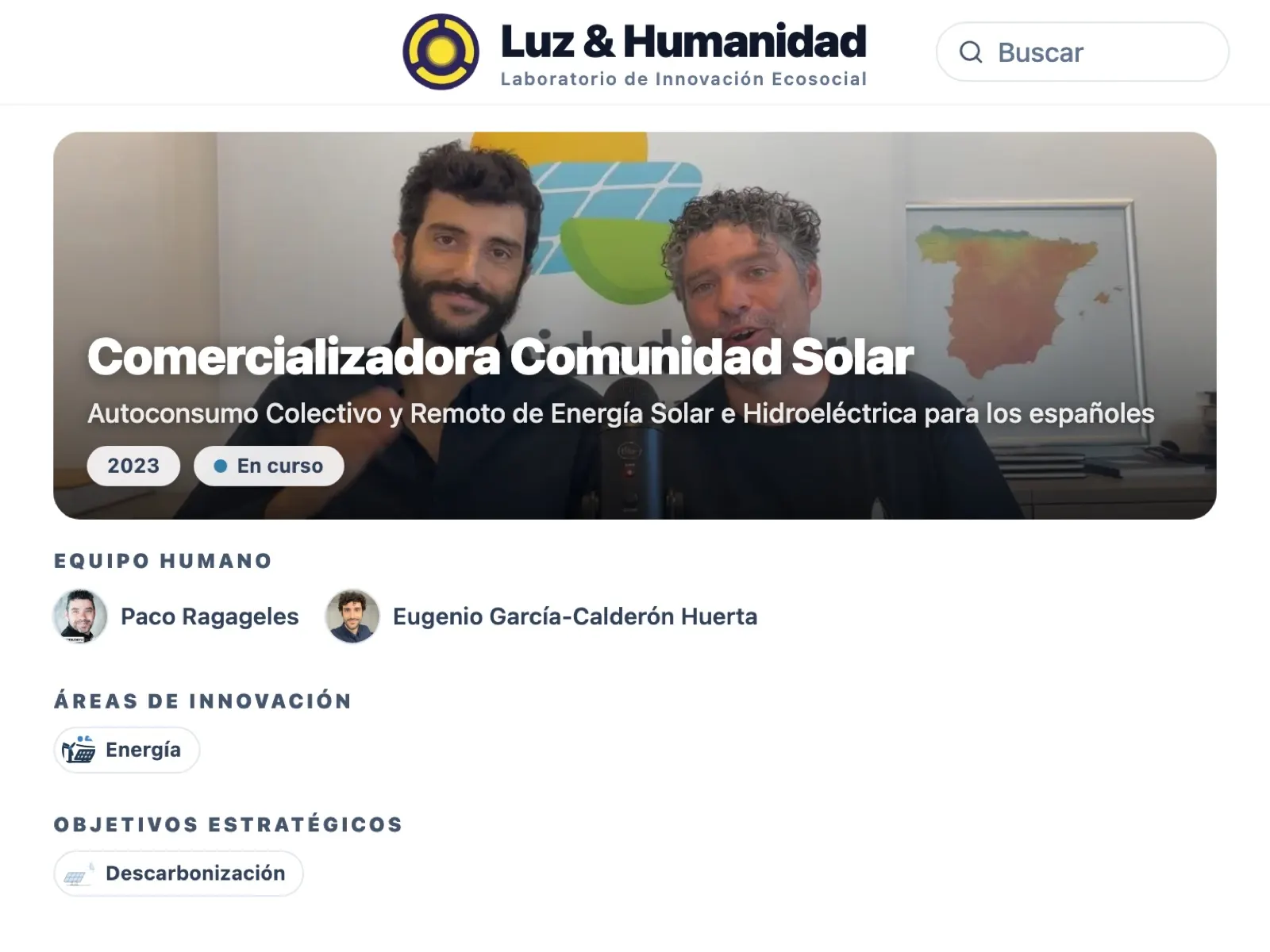
- Under your own brand: on a custom domain, the website carries only the brand and icon of whoever publishes it.
- For sharing and search: link previews when shared, a sitemap and, since 18 October, all text in the HTML, including for AI search engines.
- Fast: since 1 October, the title and image appear in under a second; previously, the title took about 2.5 seconds.
- Menu and footer: a menu and footer builder with legal notice, privacy and cookies. On 2 October it was measured that luzhumanidad.com set no cookies at all.
Members, search and subdomains for every website
- Members: since 6 October, a website can let its visitors register within it, “Softr-style”, with categories and permissions.
- Subdomains: since 18 October, a website can have its address on humanity.wiki, such as wikiproducts.humanity.wiki, with no waiting for DNS or certificates.
- Search and optimisation: each website can have its own search, and a button measures its speed and suggests SEO improvements with AI.
Artificial intelligence and voice dictation inside the page editor
Since 2 October, the editor has had an AI button: you can ask it to add text or images to the page, or a new entry to one of its databases, with a name, text and image.
- Dictation: the text is written as you speak, with the microphone of your choice.
- Home-grown AI, free: it fills in databases through chat using a small open model (Qwen2.5, with 1,500 million parameters) that runs on the server itself, with no paid models.
- Assistant: “An AI that knows your folders and creates with you inside them”, according to the humanity.wiki home page.
A Notion-style block editor, with per-page permissions and teams
In the first week of October, the tool moved forward on five fronts at once: databases, access, editor, workspace and simultaneous editing. Each advance was recorded in the changelog.
- Editor: columns, nested blocks, toggles, buttons, @ mentions, equations, embedded websites and videos, and true undo.
- Team: four permissions per page (view, comment, edit and manage) and teams that can be given access all at once.
- For everyone: dark mode, an English interface, offline editing and a public API with webhooks.
Wikiproducts compares 94 energy products with no brand paying to appear
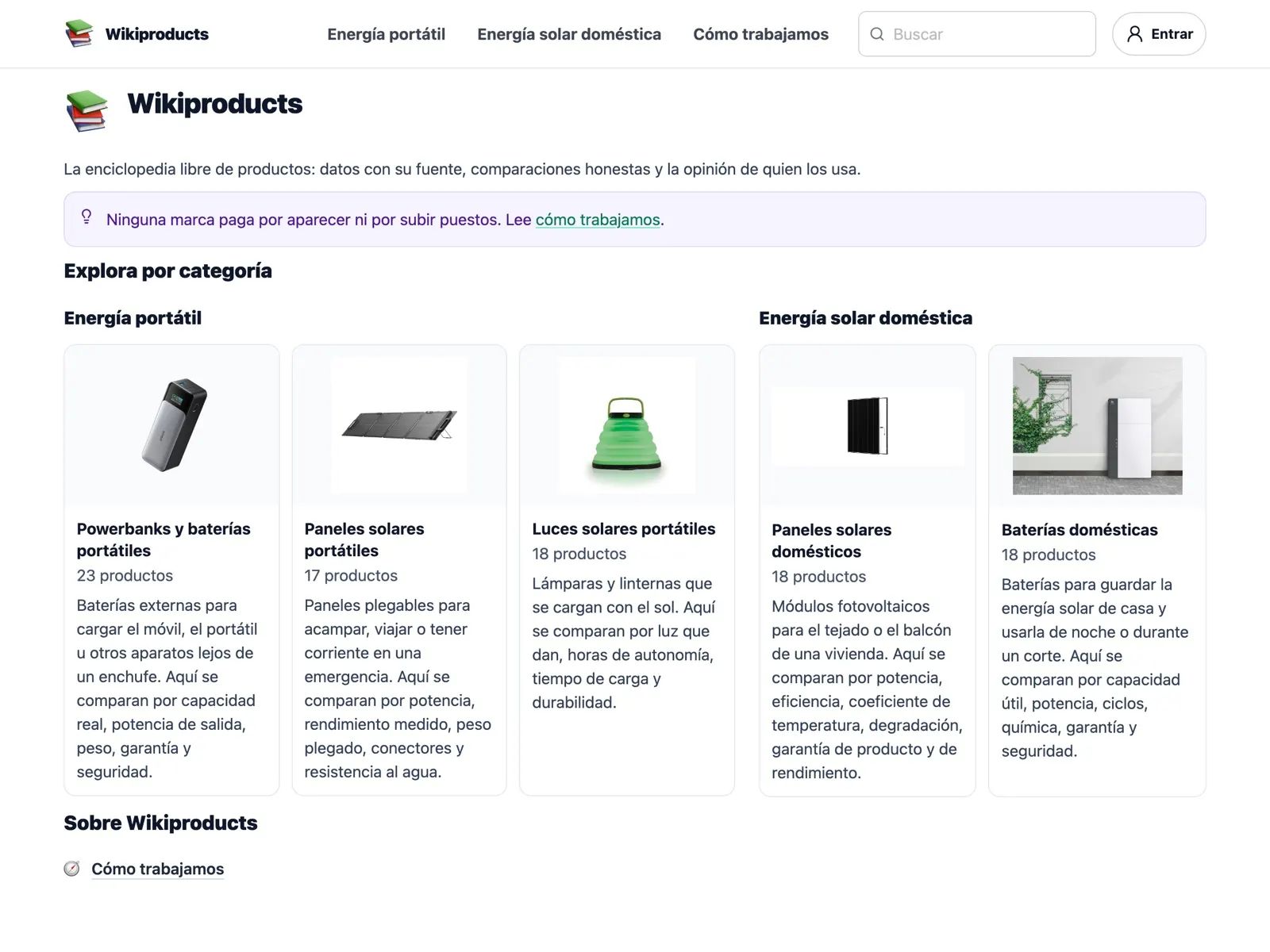
Wikiproducts was the first to use the tool's subdomains, in October. It describes itself this way: “The free encyclopedia of products: sourced data, honest comparisons and the views of those who use them”.
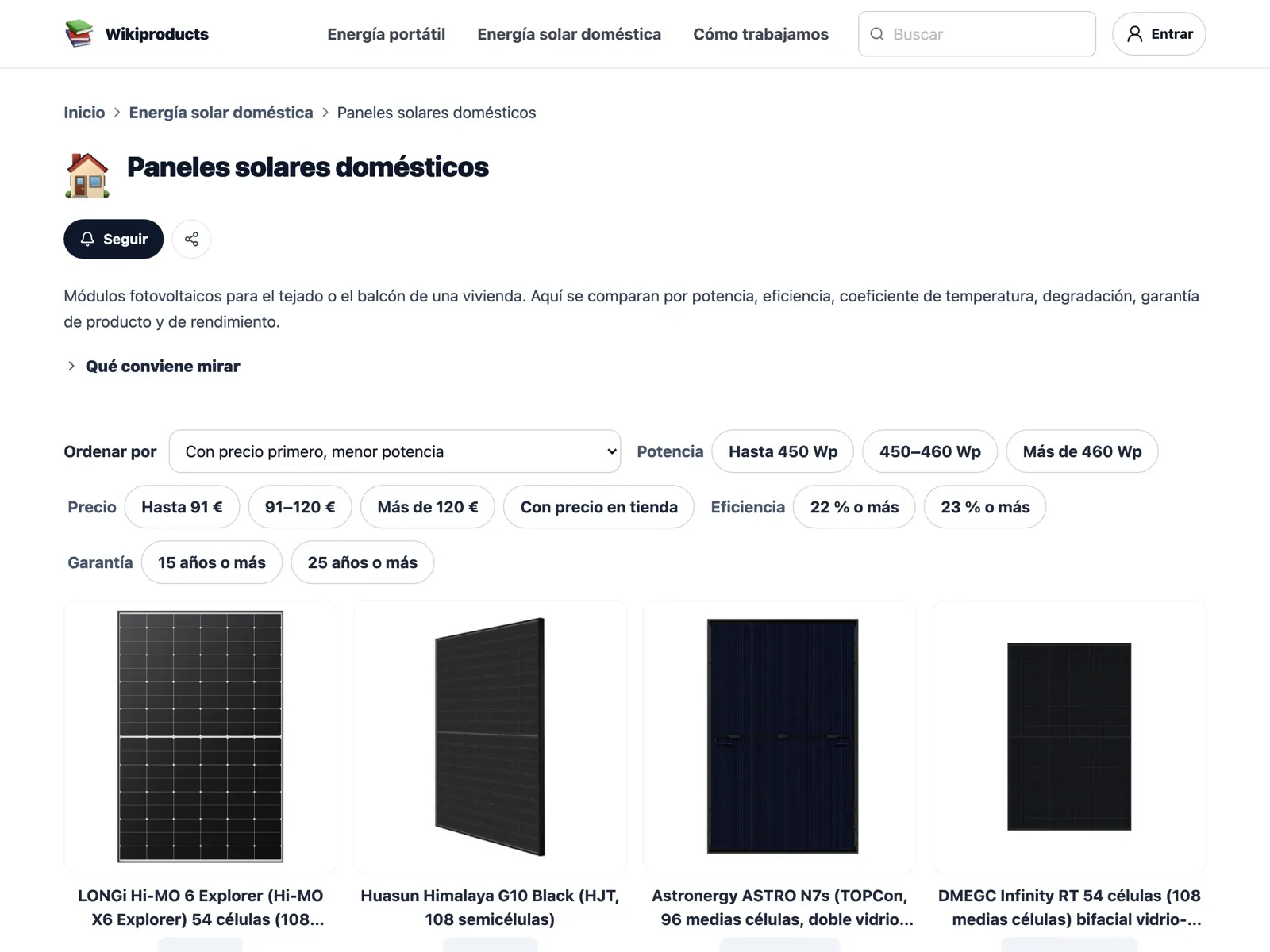
- Five categories: power banks and portable batteries, portable solar panels, portable solar lights, home solar panels and home batteries.
- Every figure, with its source: it states whether the figure comes from the brand, was measured by a third party or is calculated, with a link and date, according to its How we work page.
- No paid rankings: “No brand pays to appear or to move up the rankings”, says its home page, and no commission is charged today.
- The community rates quality, price, warranty, ecology, health, aesthetics and ethics from 1 to 5.
On 5 November, Wiki Creator takes back the name Humanity.Wiki
Since August the tool had been called Wiki Creator, although its address was humanity.wiki. On 5 November, Eugenio decided it should take back the name of its domain, according to the changelog.
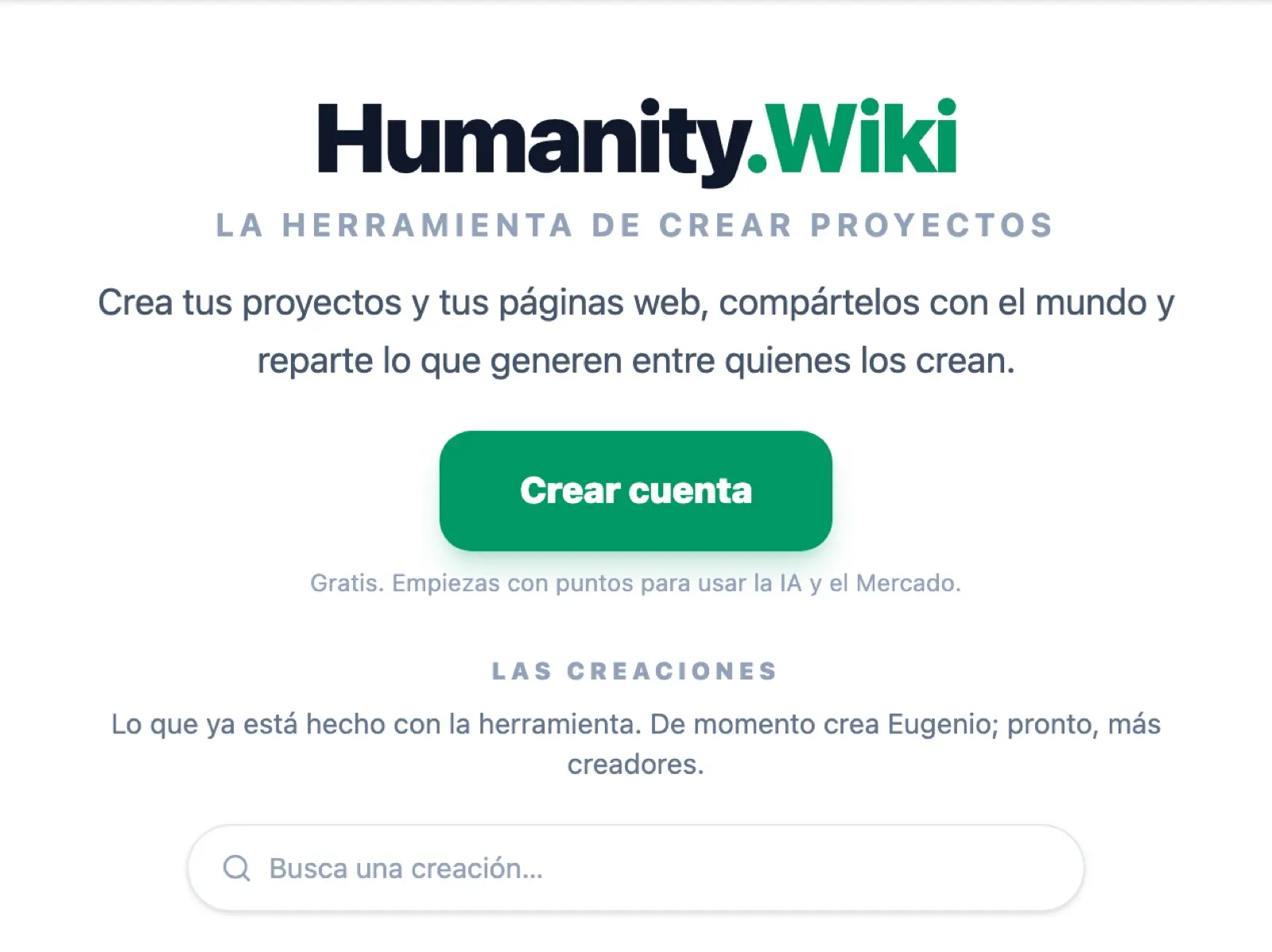
- A new home page: it presents “The tool for creating projects” and, below it, “The creations”, with a search box.
- Everything in its place: luzhumanidad.com remains the showcase for the lab's projects, and the views of humanity move to humanity.wiki/humanidad.
- More creations: the Aeromóvil Gota in 3D, from the Aeromóvil project, and an Art Calendar designed collectively. humanity.wiki/arquitectura is also home to the 3D model of Organic Urban Design.
What comes next: more creators and points for those who share
- More creators: above the showcase of “The creations”, the home page announces: “For now, Eugenio is creating; soon, more creators”.
- Points: what is published openly “remains yours, and earns points every time it is useful to someone”, says the humanity.wiki home page.
- Licence: the code is public on GitHub, but it does not yet have an open licence: by default, all rights are reserved.
In the meantime, all of this lab's pages, this one included, are published with Humanity.Wiki.
Links: the website and the code
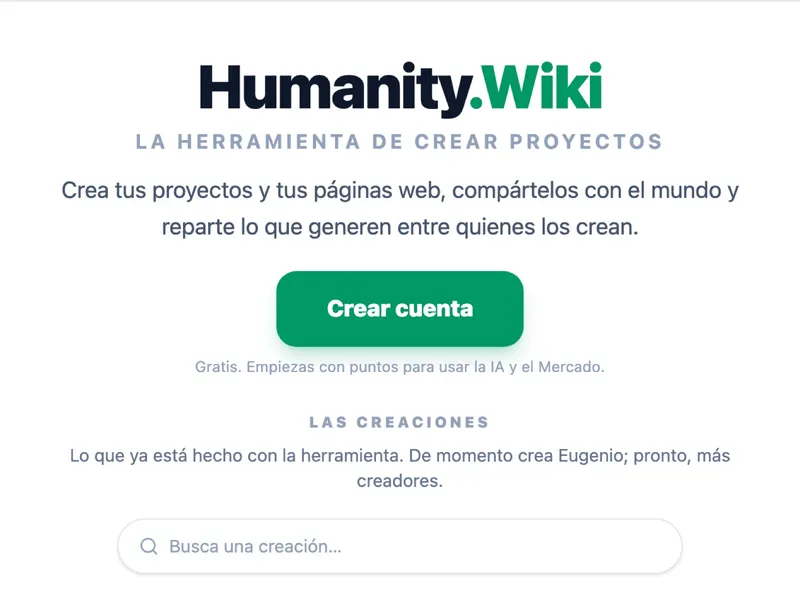 Humanity.Wiki — humanity.wiki
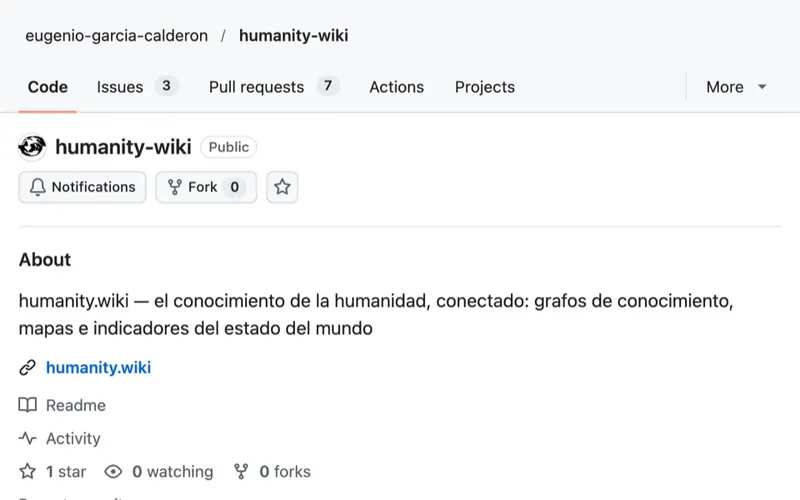 humanity.wiki — humanity's knowledge, connected — GitHub · 02/08/2026